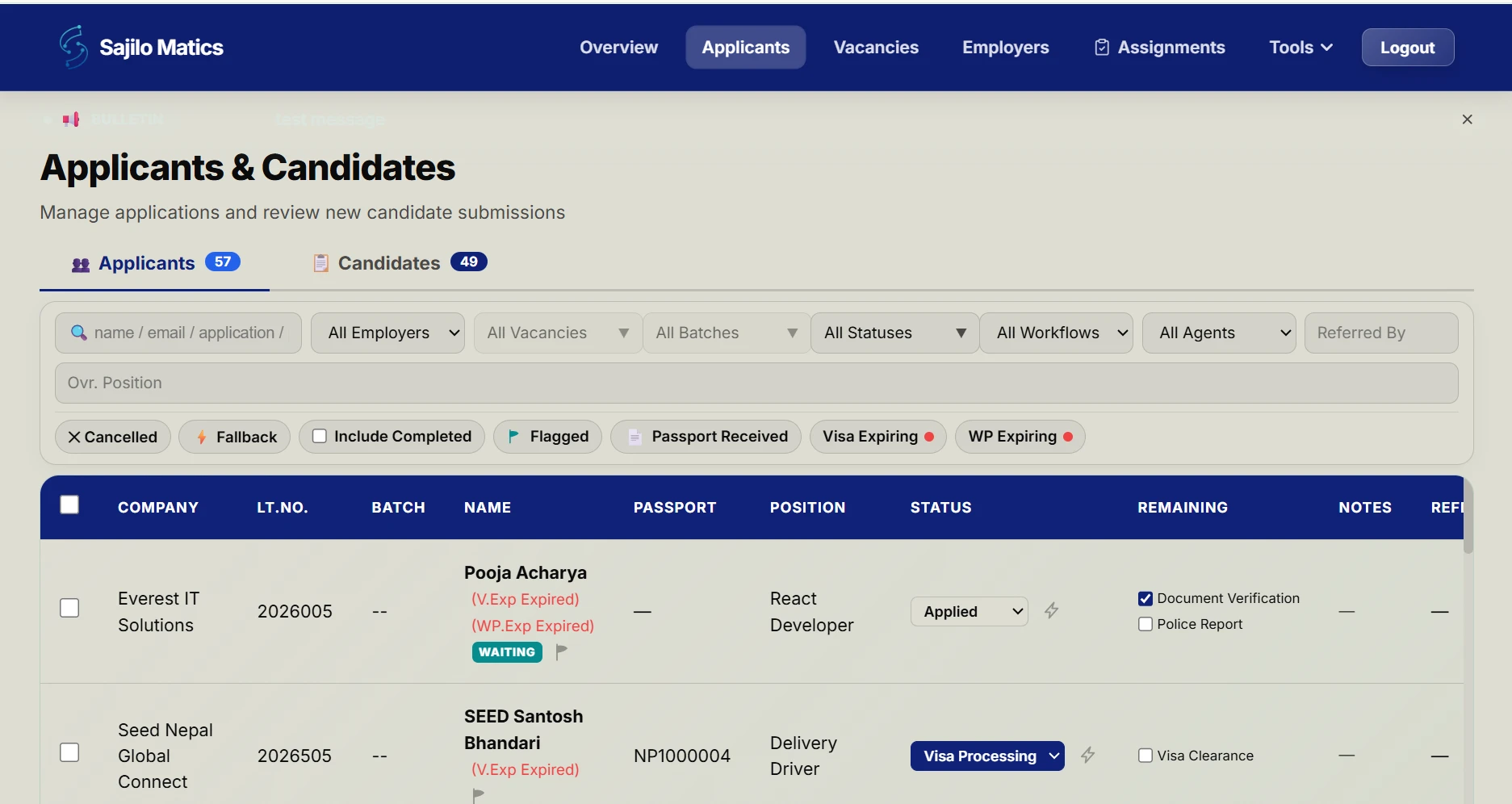
Assignments with deadlines
Give a task to a staff member, link it to the applicants or employer it’s about, and set a due time. Overdue work is flagged in red, so it can’t quietly slip.
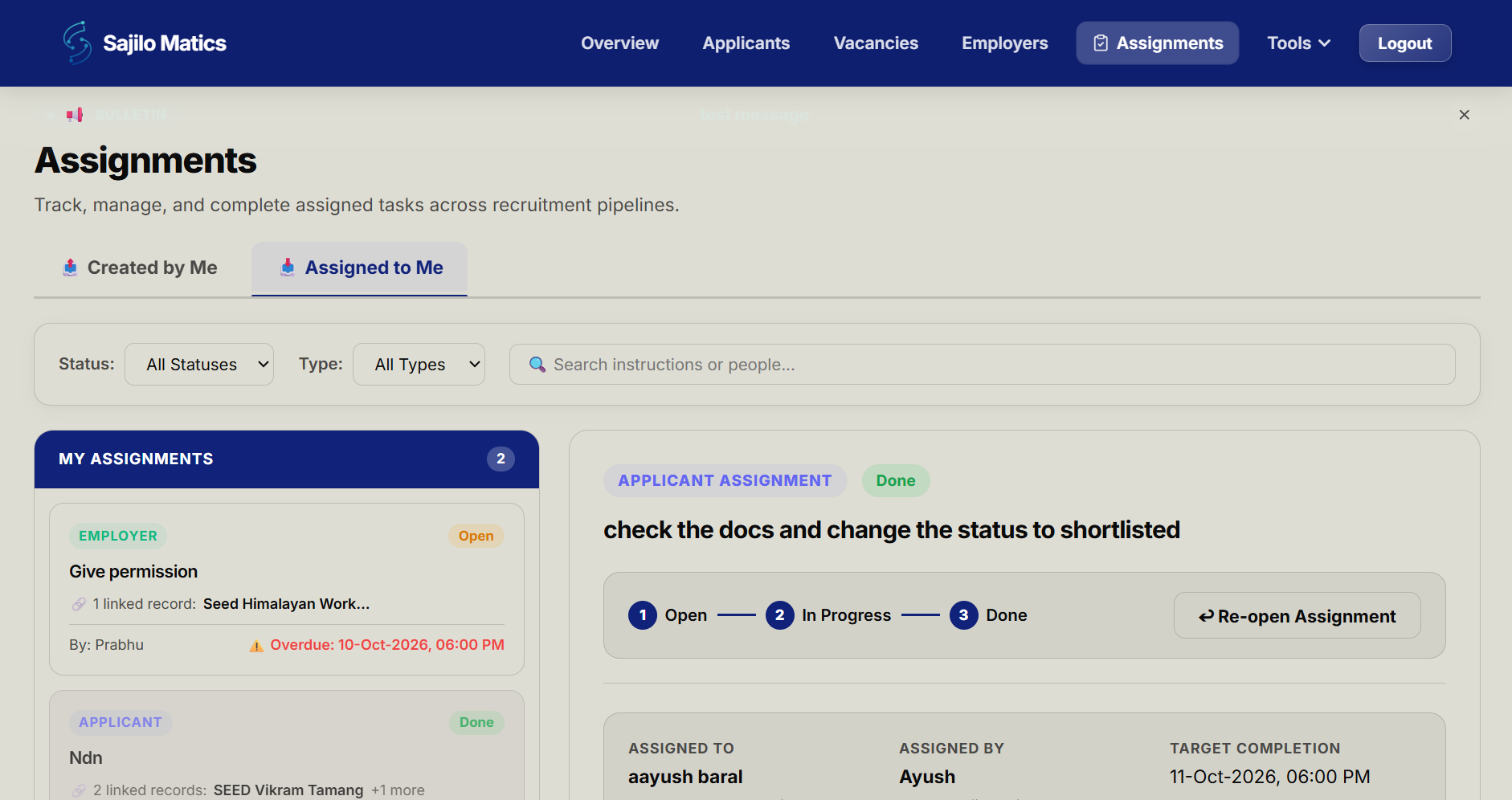
For Nepal’s manpower agencies
RMS remembers every VFS appointment, embassy submission and flight date, so one missed step never sends a worker’s file back to zero.
Free setup included · We move your Excel records in for you
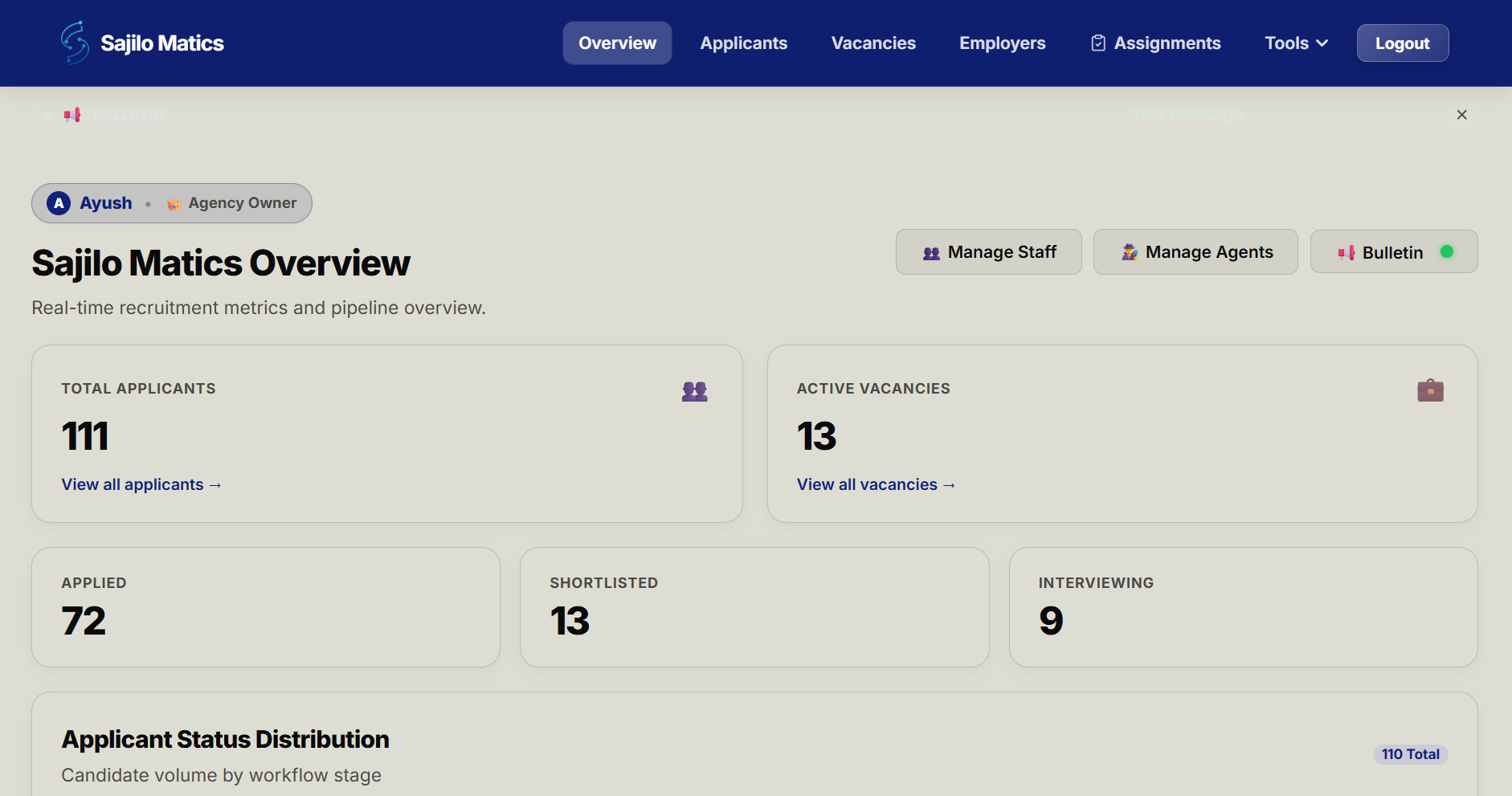
Running daily at a licensed Kathmandu agency
As reported by the agency’s own staff and management.
The real cost
A Kathmandu agency operating since 2002 lost money in a single year, not to fraud or a bad demand, but to missed dates. A VFS appointment that slipped. A passport submitted late at the embassy. A ticket that didn’t match the file. Each time, a file that had already used up medical fees, agent commission and weeks of staff work went back to zero.
NPR 26 lakh
lost in one year to missed dates
The owner’s own estimate from specific incidents, not an audited figure.
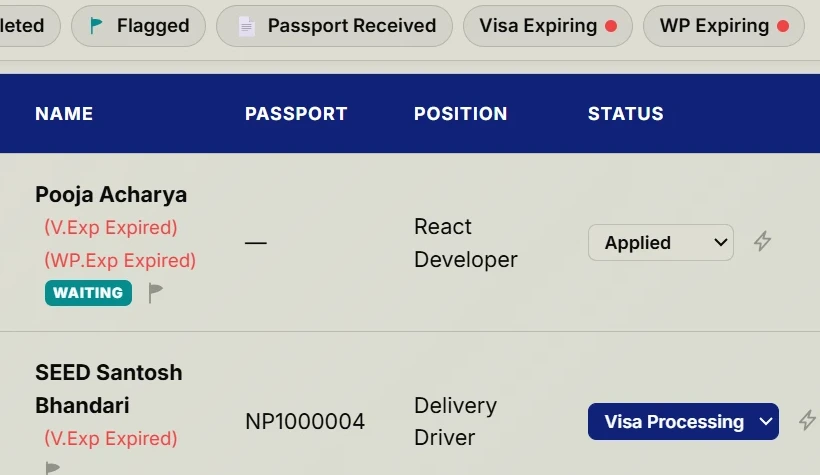
Visa expiry, work-permit expiry, medical validity, VFS appointment, flight date. Everyone assumes someone else is watching.
RMS watches every date and warns the people responsible, as many days ahead as you choose.
One wrong character in a passport number surfaces at the embassy or the airline, after the money is spent.
A scanned passport fills the fields itself, and a mismatch is flagged instead of accepted.
The same worker comes in through two sub-agents: two medicals paid, one commission dispute.
A passport number already in your records is highlighted in red the moment it’s entered.
“Where is my file?” “Who changed this?” “When did you submit it?” In an office run on Excel and memory, every answer takes a phone call.
Status, history and who-did-what are one click away, and candidates can check their own status.
How RMS works
A file passes a medical, biometrics, an embassy, the Department of Foreign Employment, an employer abroad and an airline, in a fixed order, against several expiry clocks. RMS carries it through every step so nothing depends on someone’s memory.
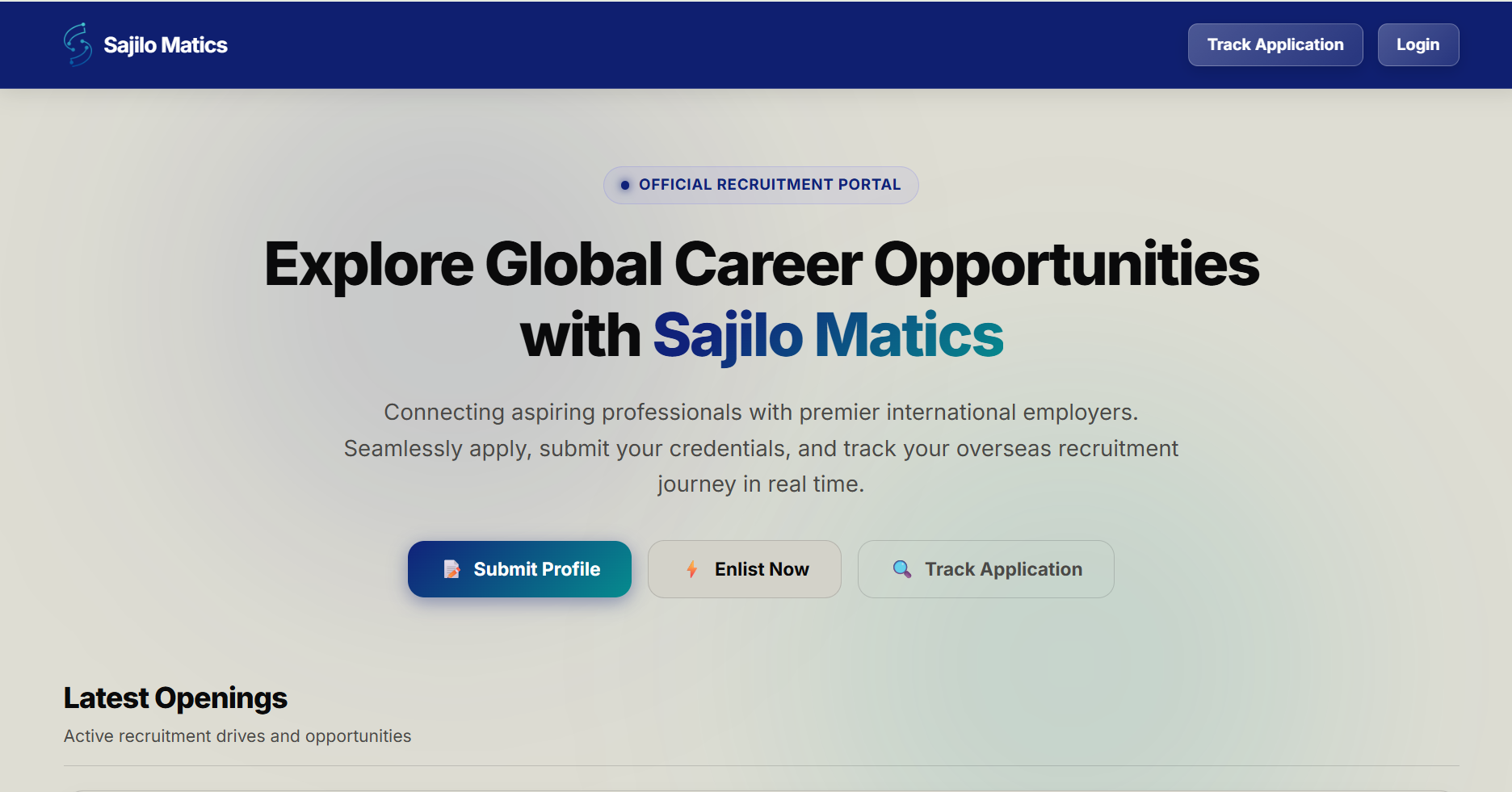
01 · Intake
Workers submit their profile on a portal that carries your agency’s name, colours and domain. A scanned passport fills in the details by itself, and a passport number already in your records is highlighted in red the moment it’s entered.
One wrong character caught at intake costs nothing. Caught at the embassy, it costs the whole file.
02 · Pipeline
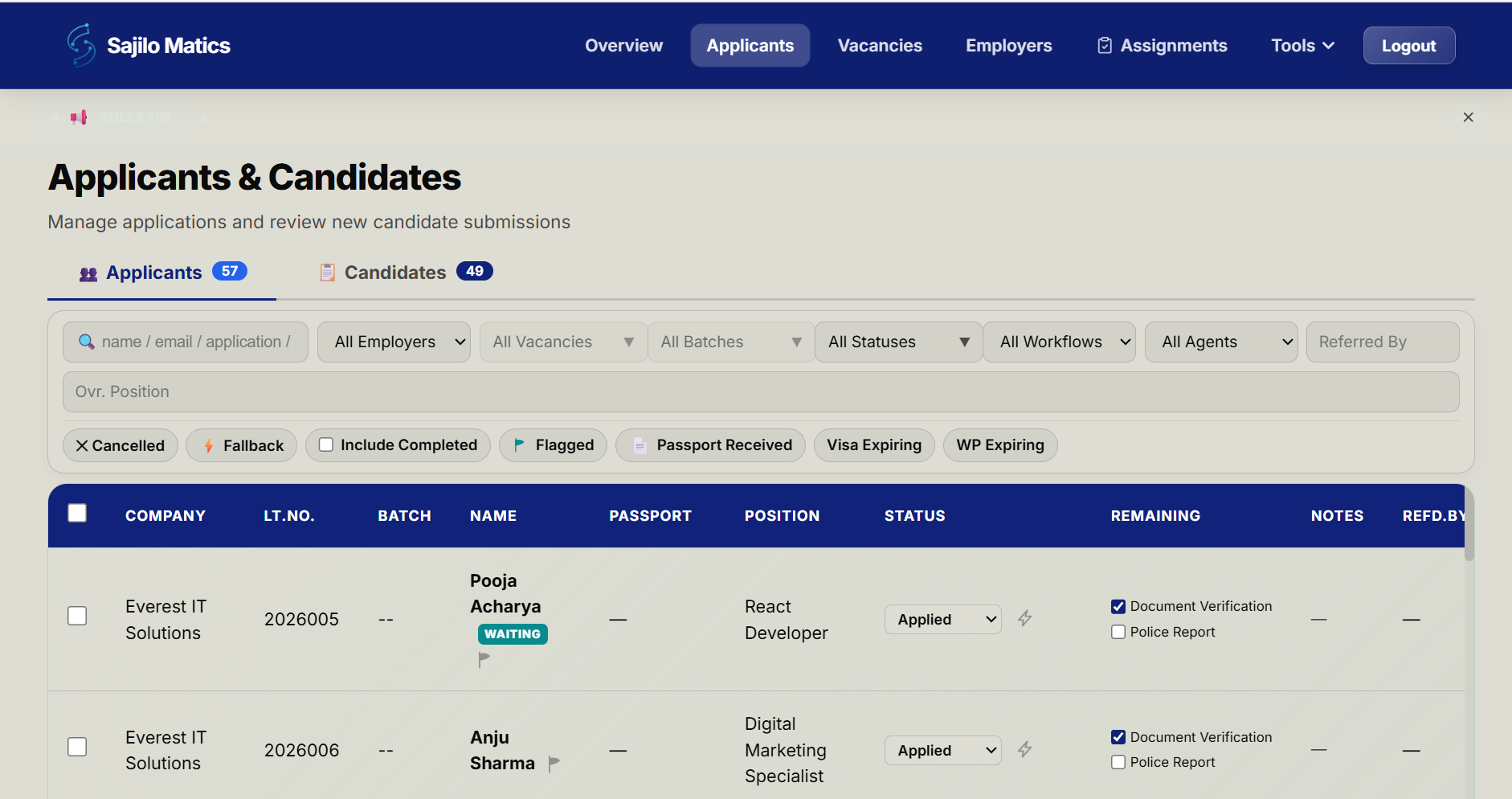
Everyone who applies is a candidate. Once reviewed and found suitable, they’re promoted to an applicant on the vacancy they fit. Filter by employer, vacancy, agent, workflow, or visa and work-permit expiry, and get the answer in seconds.
03 · Process
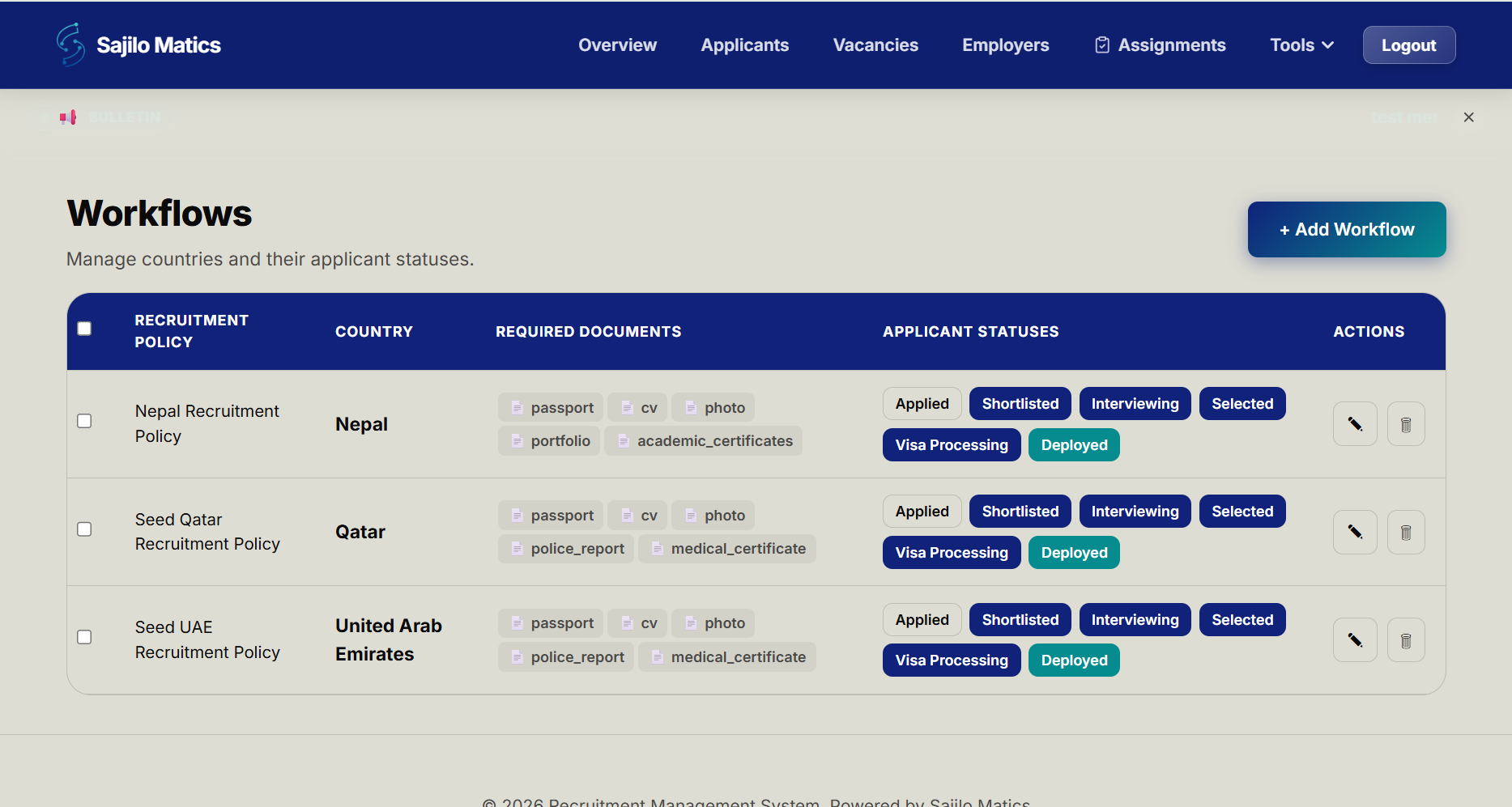
Each destination country gets its own workflow, with its own required documents at every stage. A file cannot move forward until those documents are verified, so no step gets skipped on a busy day.
Most expensive mistakes aren’t ignorance. They’re shortcuts taken under pressure.
04 · Deployment
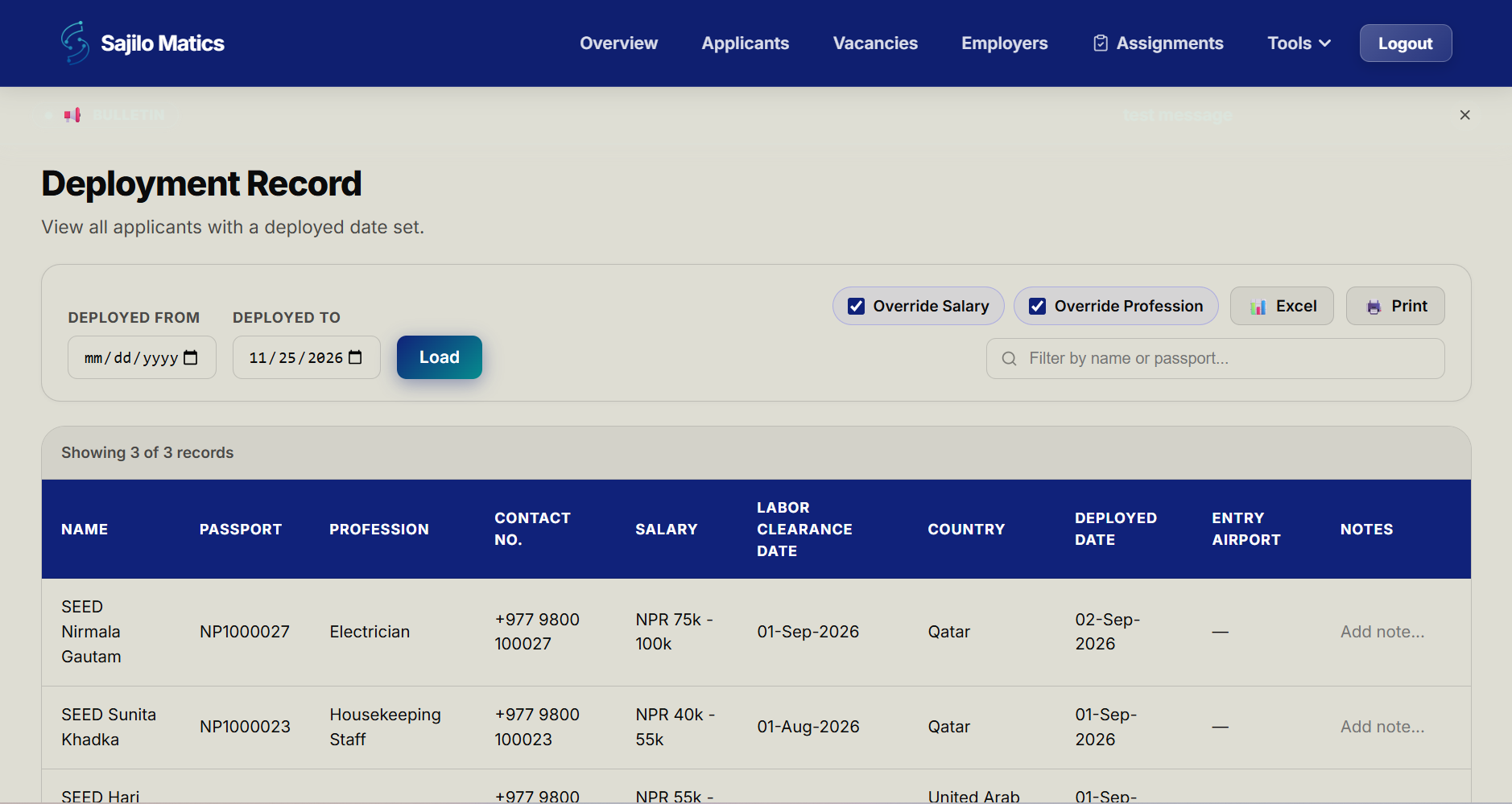
Every deployment is kept with passport, profession, salary, labour clearance date, country and deployed date. Filter by date range, then export to Excel or print. Your FEIMS / DoFE report comes from the system instead of being rebuilt by hand.
Run the office, not the follow-ups
The questions that eat a manpower office’s day, “Who was handling this?”, “Who changed it?”, “Where is my file?”, get answered by the system.
Give a task to a staff member, link it to the applicants or employer it’s about, and set a due time. Overdue work is flagged in red, so it can’t quietly slip.
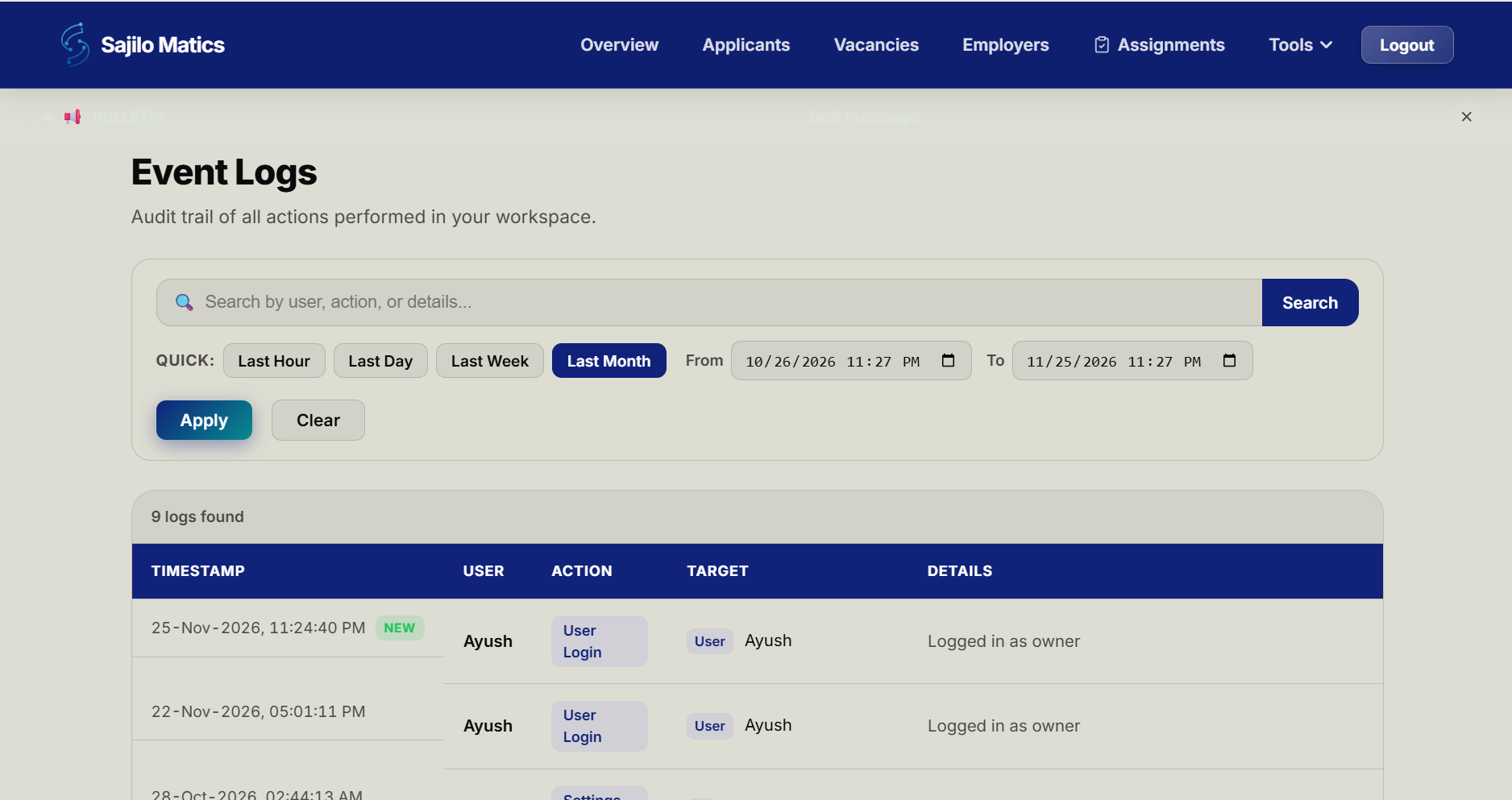
Every status change, upload and edited date is recorded with who did it and when. It can’t be edited or deleted, not even from the owner’s account.
Employers see only their own applicants. Agents see their candidates, and sub-agents see only the ones they introduced. Candidates check their status with passport number and date of birth: no login, no phone call.
Decide who can change statuses, manage vacancies, workflows, employers, agents or payments. The money side of the business stays private.
A complete CV is generated from the data you already have, in six professional formats plus an official Europass version for European files.
RMS carries your branding, colours and domain. To employers, agents and candidates, it’s your platform, not a rented tool.
What it does is make your process impossible to forget.
26-day free trial
Tell us about your agency. You’ll book a short demo call with Aayush, then we set everything up for you.
No. Each agency’s data is kept separate on a private server. Nothing is shared between agencies, and nothing is sent to any government body: data only leaves the system when your agency exports it.
In practice, documentation staff adopt it fastest, because it removes the work they like least: retyping, chasing documents and answering status calls. The agency running RMS today uses it across 8–9 staff with different comfort levels with software.
Your existing records are loaded during the free setup. You don’t start with an empty system.
Yes. Deployment details (name, passport, profession, country, labour clearance date and deployed date) are kept as each file completes, can be filtered by date range, and export to Excel or print, ready for your FEIMS reporting.
Your data belongs to your agency, and it exports to Excel at any time.
It depends on the size of your agency. We go through it on the demo call, after you’ve seen RMS working with your own kind of files. The 26-day trial and setup are free.